Scene and map
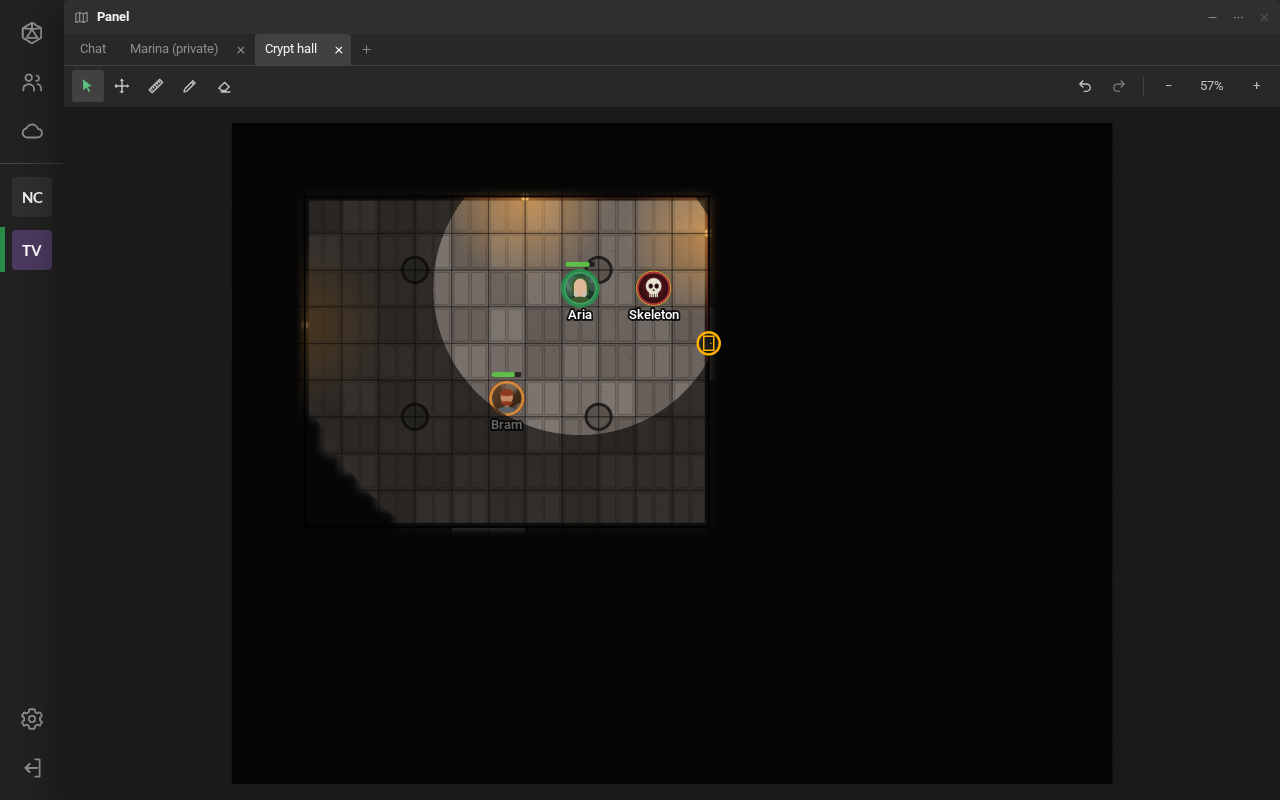
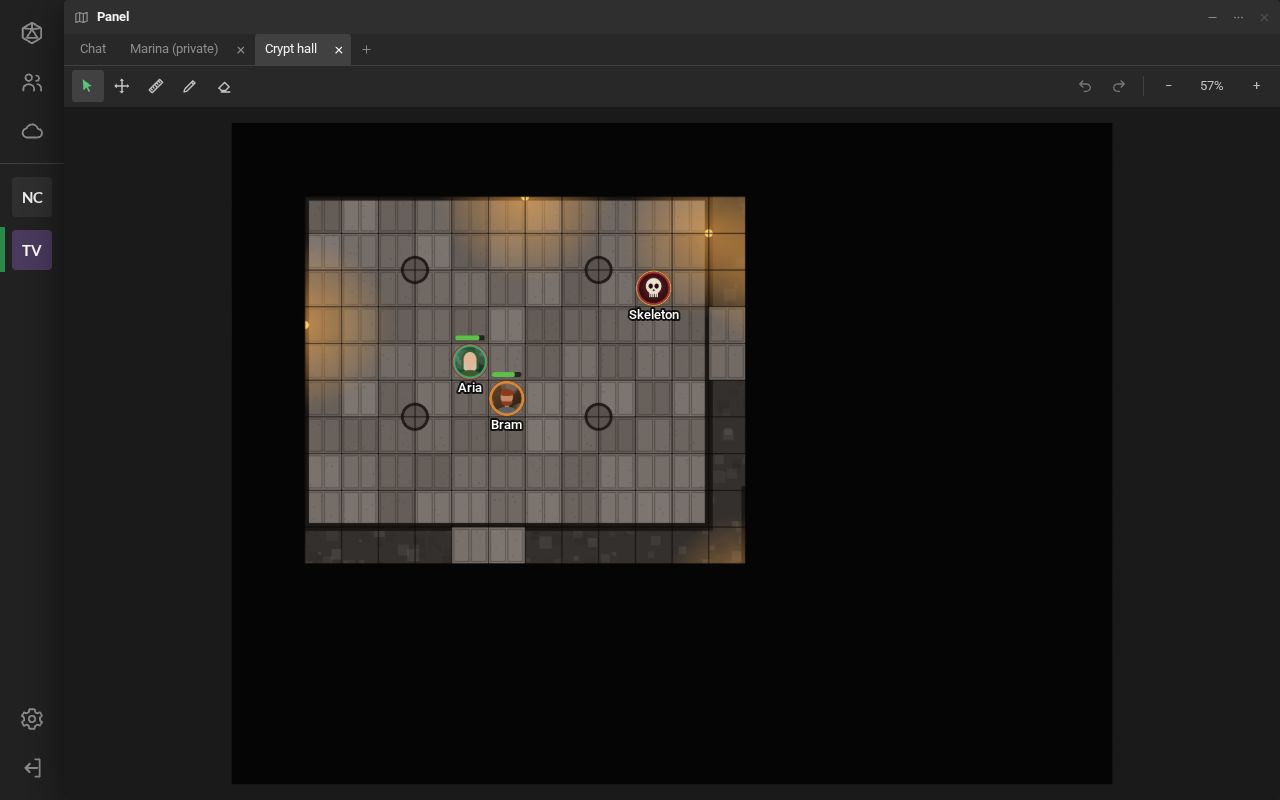
The scene is the adventure’s map, with the grid and the tokens (the pieces for characters and monsters). It opens from the library, with a double-click, when the game master makes it visible. Building the scene is the game master’s job: see Building the scene.
Moving the view
Section titled “Moving the view”- Dragging the empty map moves the view. The middle or right mouse button also drags, with any tool.
- The mouse wheel zooms in and out. So do the − and + buttons.
- 0 (or clicking the zoom percentage) fits the whole map.
- The Pan the view tool (H) only moves the view, even over tokens.
Moving your token
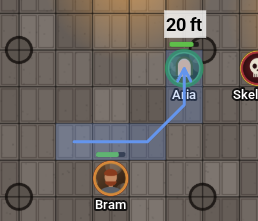
Section titled “Moving your token”With Select and move (V), drag your token. It snaps to the grid; holding Alt, it stays where you drop it. The arrow keys move the selected token one cell.
While you drag, the path and how far it went show up. If you pause on a cell for a moment, that leg ends there and the distance keeps adding up on the next one. Only you see the path; the others see the token arrive.
Right-click your token to Turn 45° to one side or the other (or Shift + wheel with it selected, 15° at a time). Your token’s Conditions are there too, such as Blinded, Poisoned or Prone: each one shows as an icon on its edge, for everyone (see Conditions). Invisible… is in the same list: your token stays on the map, but only you, the game master and the people you check see it (see Invisible token). The game master is told when you change it.
Double-clicking your token opens its properties. There you can give it an aura: a circle, a cone or another shape painted around it, which moves and turns with the token (see Auras).
Measuring
Section titled “Measuring”The Ruler (R): drag from one point to another. The distance shows in the scene’s unit (1.5 m per cell by default; the game master can switch to 5 ft). Diagonals count as one cell.
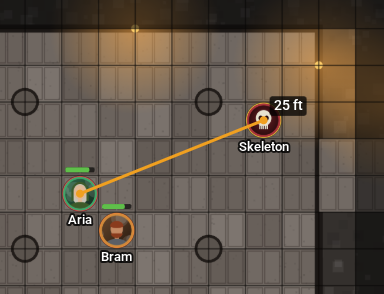
Prefer to see meters, feet or both? Settings → General → Distances. It only changes what you see.
Pinging
Section titled “Pinging”To draw everyone’s attention to a spot: Alt + click on the map, or hold the button still for a moment. Everyone sees ripples in your account’s color, with your name. If the spot is outside someone’s view, an arrow on the edge points to it.
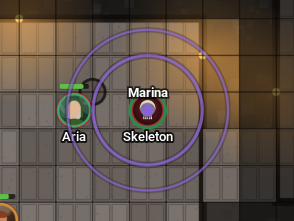
Spectators cannot ping.
Drawing
Section titled “Drawing”Draw (D) opens the options: Freehand, Rectangle, Ellipse or Text, the color, the thickness and Fill. Everyone sees the drawings.
- Erase drawings (E): click one of your drawings to erase it.
- Clear… → Clear my drawings erases all of yours.
- Ctrl + Z undoes and Ctrl + Y redoes what you did in this scene.
Spectators cannot draw.
Fog, vision and doors
Section titled “Fog, vision and doors”- With fog of war, you only see what the game master revealed; the rest is black.
- With token vision, you see what your tokens see: the light of torches, the reach of their sight, and walls block the view. What the token has already seen stays dimmed.
- Doors: click the door’s icon to open or close it. A locked door rattles and says “The door is locked.”.