Game rules
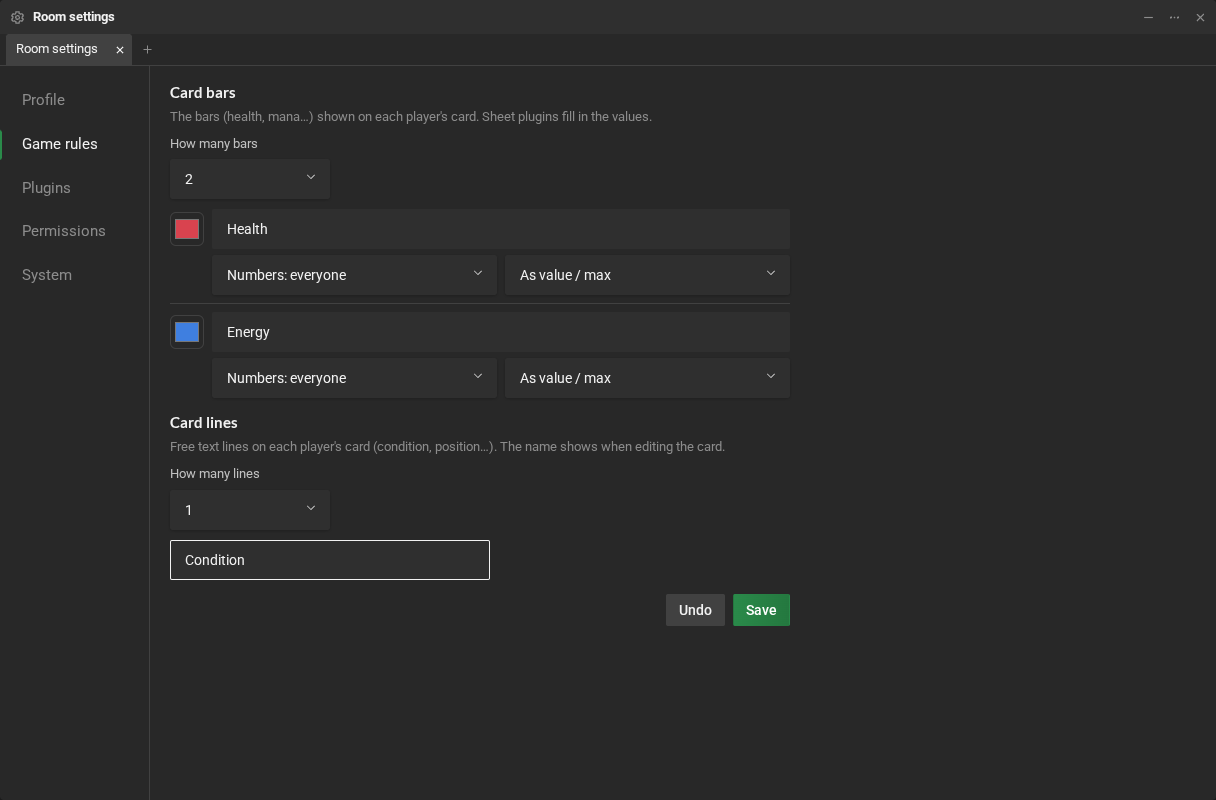
The players’ cards, in Participants, show bars (health, mana, energy…) and free-text lines (a condition, a position). The game rules say how many show up and how. They also say where the dice numbers come from. They are in Room settings → Game rules.
The dice
Section titled “The dice”Shows up when the RPG Desk server has a random.org key. Dice numbers applies to every roll in the room, by anyone: in the chat, in macros and in sheets.
- True random (random.org) (the default): the numbers come from atmospheric noise, and a small R shows next to everyone’s Chat tab. If random.org does not answer, the roll comes from the program and the R is struck through until the next roll that comes from it.
- Generated by the program: the server draws them, with no R.
The bars
Section titled “The bars”- How many bars: from 0 to 4.
- For each bar:
- the color (the little square). Use the plugin’s color goes back to the color the sheet sends;
- the name (“Health”);
- who sees the numbers: Numbers: everyone, or Numbers: GMs and owner. The others see the bar, but not “18/22”;
- how to show the numbers: As value / max (“18/22”) or As percentage (“82%”).
The lines
Section titled “The lines”- How many lines: from 0 to 4.
- Each line’s name shows up when someone edits the card.
In the unsaved changes bar at the bottom, click Save. The chat tells everyone the rules changed, and the cards change right away.
Who fills in the bars
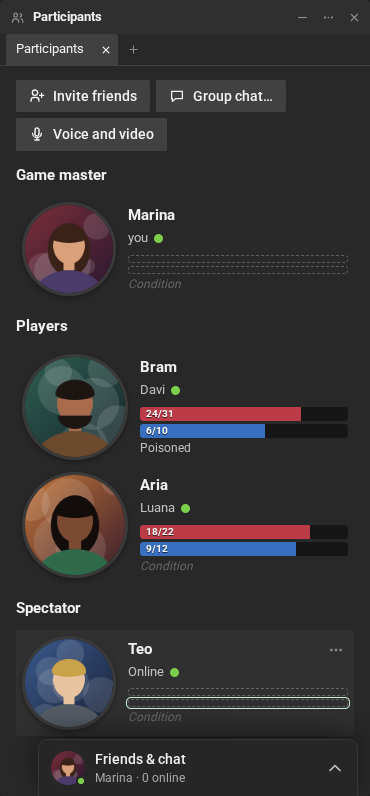
Section titled “Who fills in the bars”- The sheet: most sheet plugins fill in their owner’s card bars by themselves, when the sheet is the owner’s main character. In the RPG Desk Basic Sheet, bar 1 is health and bar 2 is energy.
- The player: double-click one of their bars or lines, or Card bars and lines… in their name’s menu. See Participants.
- The game master: everyone’s bars and lines, the same way.
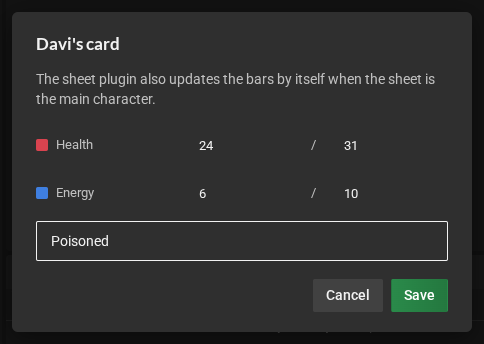
A room with no saved rules shows 4 bars and 4 lines, with the numbers for everyone, and uses random.org when the server has the key.