
Dice and rolls
Every roll is made by the RPG Desk server and shows up in everyone’s chat, with the 3D dice rolling on everyone’s screen.
Three ways to roll
Section titled “Three ways to roll”- In the chat:
/rand the roll, as in/r 1d20+5. Whatever comes after:is the roll’s name:/r 1d20+5: Sword attack. - With the quick dice: the row of dice below the message box rolls 1d4, 1d6, 1d8, 1d10, 1d12, 1d20 or 1d100 with one click.
- On the sheet: the roll buttons on the character’s sheet (see Character sheets).
What you can roll
Section titled “What you can roll”| You type | What happens |
|---|---|
/r 1d20 |
one 20-sided die |
/r 2d6+3 |
two d6, added up, plus 3 |
/r 1d8+1d6+2 |
different dice in the same roll |
/r 4d10 > 7 |
counts successes: each die with 7 or more adds one, each 1 takes one away |
/r ord 4d6 |
shows the results in order |
/r 4dF |
Fudge (Fate) dice: each is worth −1, 0 or +1 |
/r 3d6: Luck |
the roll with a name |
The complete rules (limits, errors, how successes count) are in Rolls.
Reading the result
Section titled “Reading the result”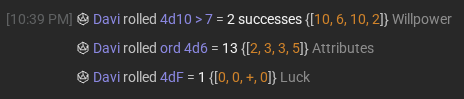
Each roll shows who rolled, the expression, the total and, in braces, what each die rolled. In success rolls, the total is “2 successes”, “1 success”, “Failure” or “Critical failure”.
The 3D dice
Section titled “The 3D dice”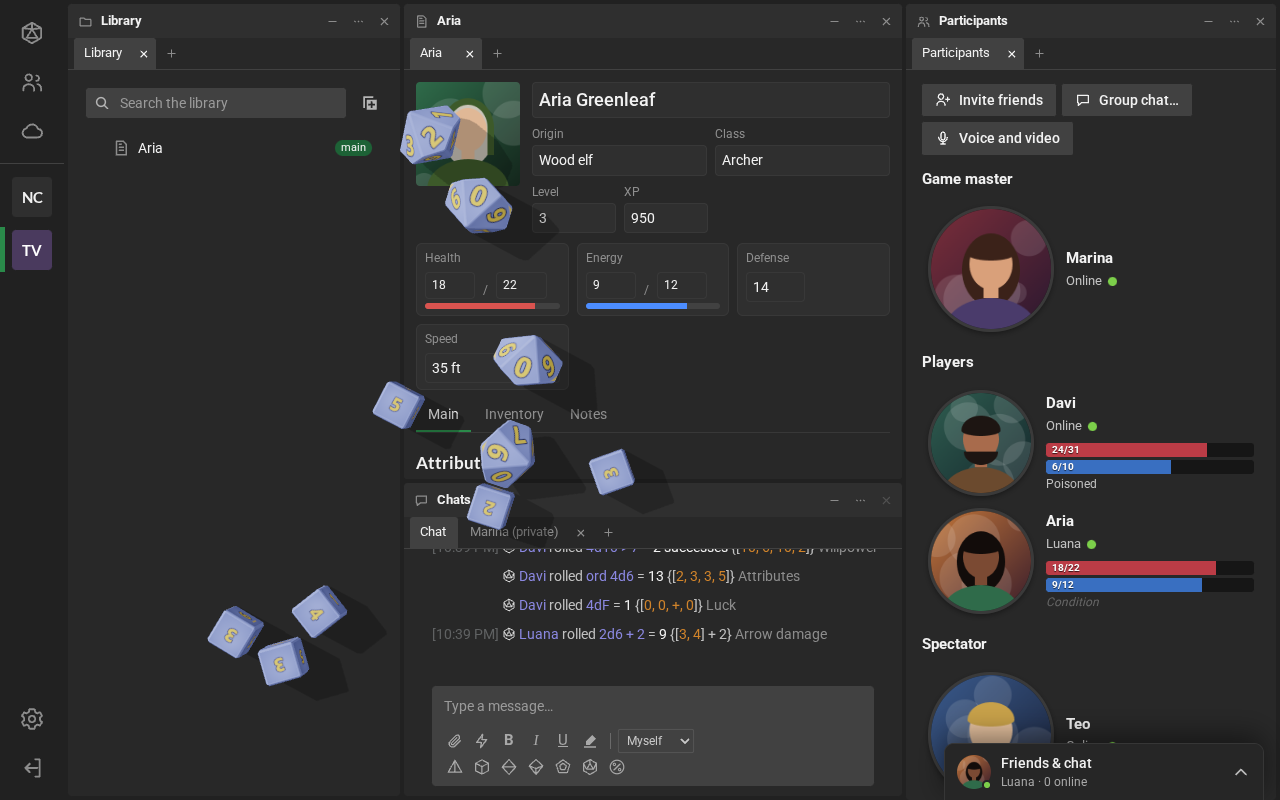
The dice of whoever rolled cross everyone’s screen and vanish by themselves. They also roll while another RPG Desk screen is open (Home, Explore, Settings). With the browser tab in the background, the roll still happens right away: the roll alert plays and, if you come back while the dice are still on everyone else’s screen, they show up where they are by then. Dice that already stopped and vanished don’t roll again; the result is in the chat. If the dice get in the way or slow the computer down:
- turn them off in Settings → Dice → Show 3D dice on rolls;
- or, on computers with graphics issues, turn on Settings → Dice → No-lighting mode.
The roll sound is turned off in Settings → Notifications → Dice rolls.
Customize your dice
Section titled “Customize your dice”In Settings → Dice (it saves with each change):
- Use my colors, with the Dice color and the Number color (the swatches or another color), and the d20 preview. Other people see your dice in these colors.
- Special effects: pick a die, a result (the highest or the 1) and an effect: Fire, Ice, Acid, Stone, Tavern, Rich Akeime, Nature or Divine light (the clouds part and a beam of light comes down from the sky onto the die, with a choir). Test throws a test die with the effect. By default, a d20 that lands on 20 catches fire.
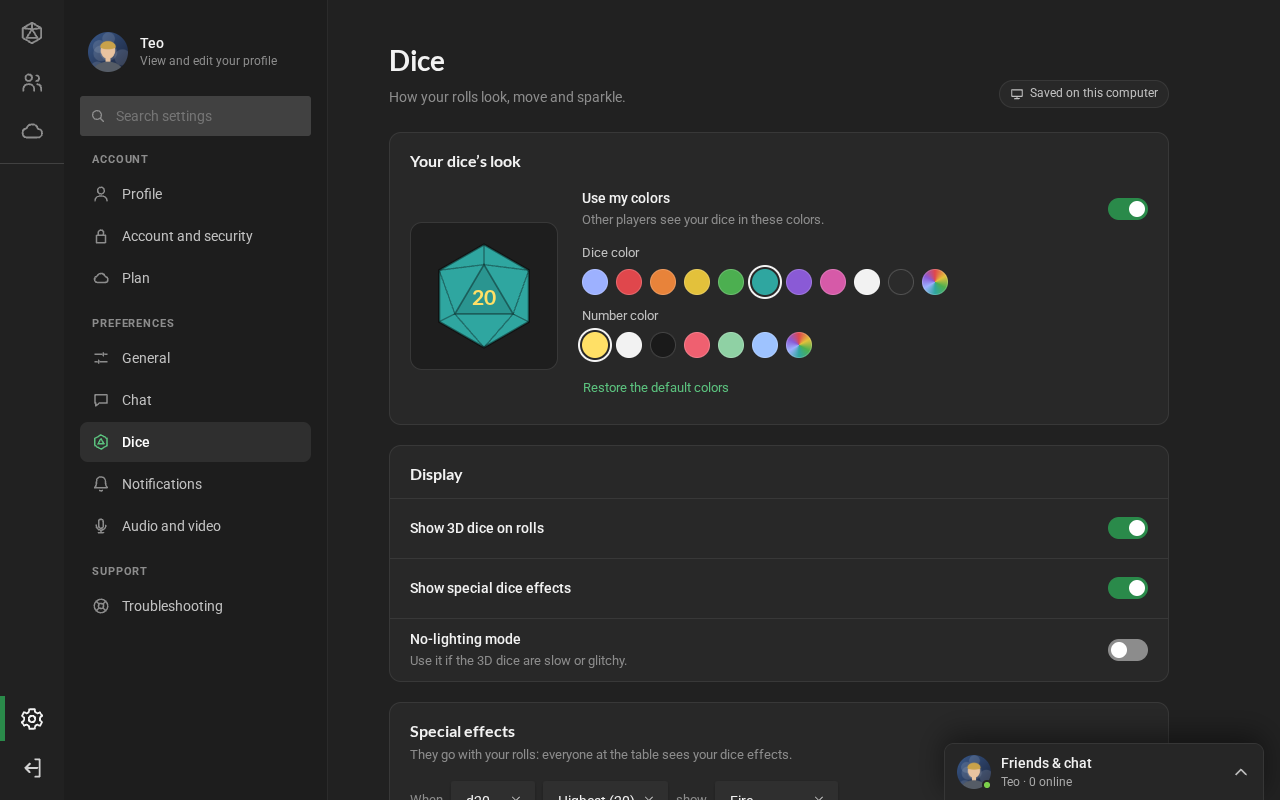
The effects go with your rolls: the whole room sees them. If you do not want to see anyone’s effects, turn off Show special dice effects, in Settings → Dice.